



Translate ( Indonesian )
Jika Anda menggunakan browser Chrome, ketuk titik tiga di sudut kanan atas untuk opsi “Terjemahkan…”


Starting from v2.3.0 and above, installation and environment setup are now handled automatically through the ( Vikaru-Installer ) repository.
After installation via the Vikaru-Installer, simply run:
• [1] Start Bot
Enter your WhatsApp number in international format ( e.g., +62 895-0889-9033 ).
Then, copy and link the pairing code to your WhatsApp application.
Once the connection is successful, the bot will be ready for use.
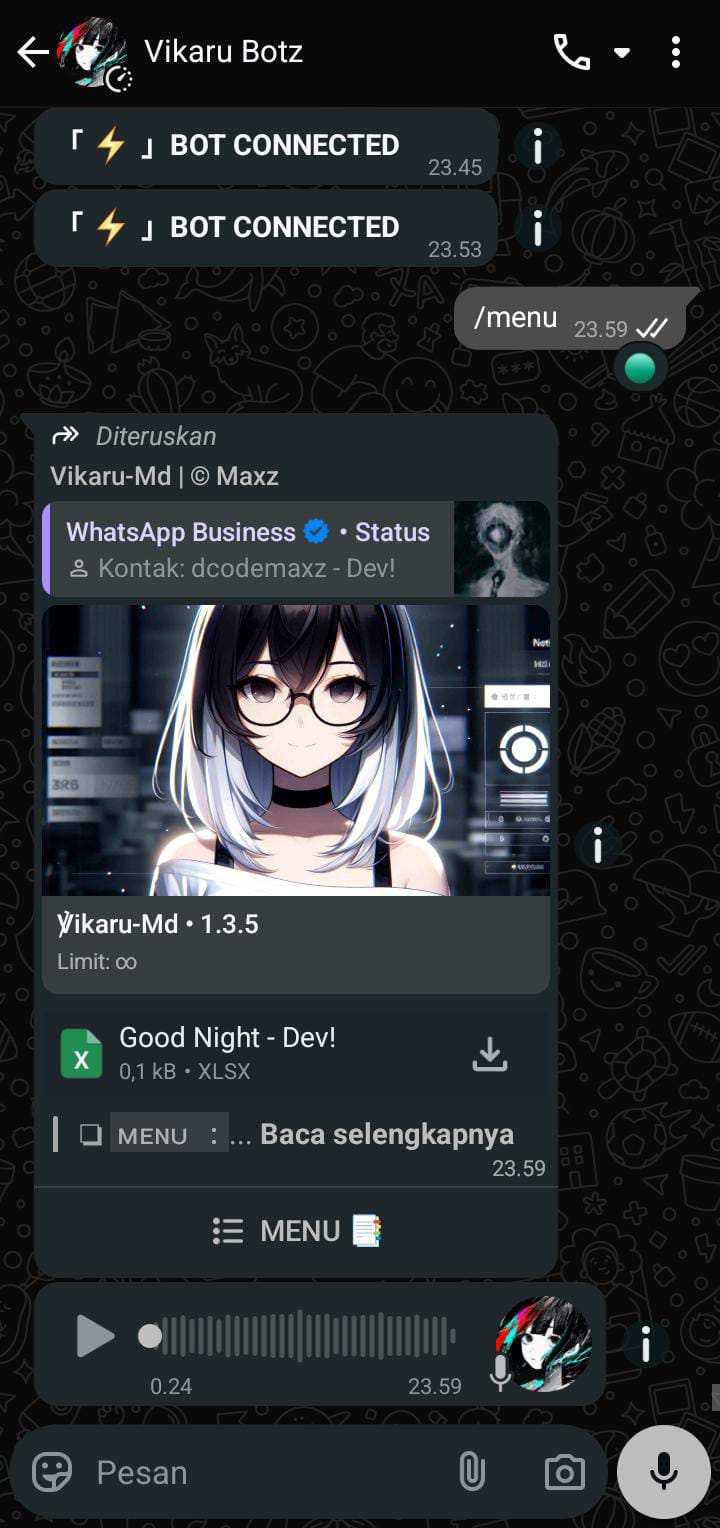
Try sending a simple command:
/menu


Manage sessions in real time while Node.js is running — just press “Enter” to open.
- [1] Stop: Stop all running sessions.
- [2] Add: Add a new WhatsApp session.
- [3] Run: Start a saved session from the session list.
Vikaru-Md is a multi-device WhatsApp bot designed for automation, AI integration, group moderation, and business support — with a clean, extensible, and developer-friendly architecture.
- Pairing Code & QR Code login
- Custom Pairing ID
- CLI Interactive Menu
- Whitelist system for index.js
- Clean & readable codebase
- Multi-prefix support
- Multi-session (run multiple bots simultaneously)
- Interactive interface/log viewer
- Anti Call / Anti Spam / Anti Link / Anti Virtex
- Group event responses (welcome, leave, promote, demote)
- Broadcast / Push Contact / Auto AI / Auto VN
- Other Menu
- AI Menu
- Convert Menu
- Search Menu
- Anime Menu
- Bug Menu
- Tools Menu
- Group Menu
- System Menu
Buyer Benefits:
- Lifetime updates (no expiration)
- Weekly feature updates
- Developer modification guidance
- Personal mentoring to build your own bot
We welcome contributions!
Open an issue or pull request — feedback and improvements are highly appreciated.
This project is licensed under the MIT License.
Leave a Reply